Your laptop is basically your office now. It runs your video calls, your twenty open tabs, your shared docs, and that spreadsheet you keep promising to finish. Pick the wrong one and every workday feels like a struggle: slow startups, a battery that dies by noon, a webcam that makes you look like a potato. Pick the right one, and you barely notice it’s there, which is exactly the point.
In this guide, I’ll walk you through the best laptops for remote work, from battery champions to budget-friendly options. The right choice depends on your budget, how much you move around, how much power you need, and how long you can stay unplugged. And since a quiet workspace matters just as much as a fast laptop, it’s worth thinking about your audio setup too. If you like tech that makes work easier, our roundup of the most useful AI-powered devices in 2026 is worth a look as well.
Best Laptops for Remote Work in 2026
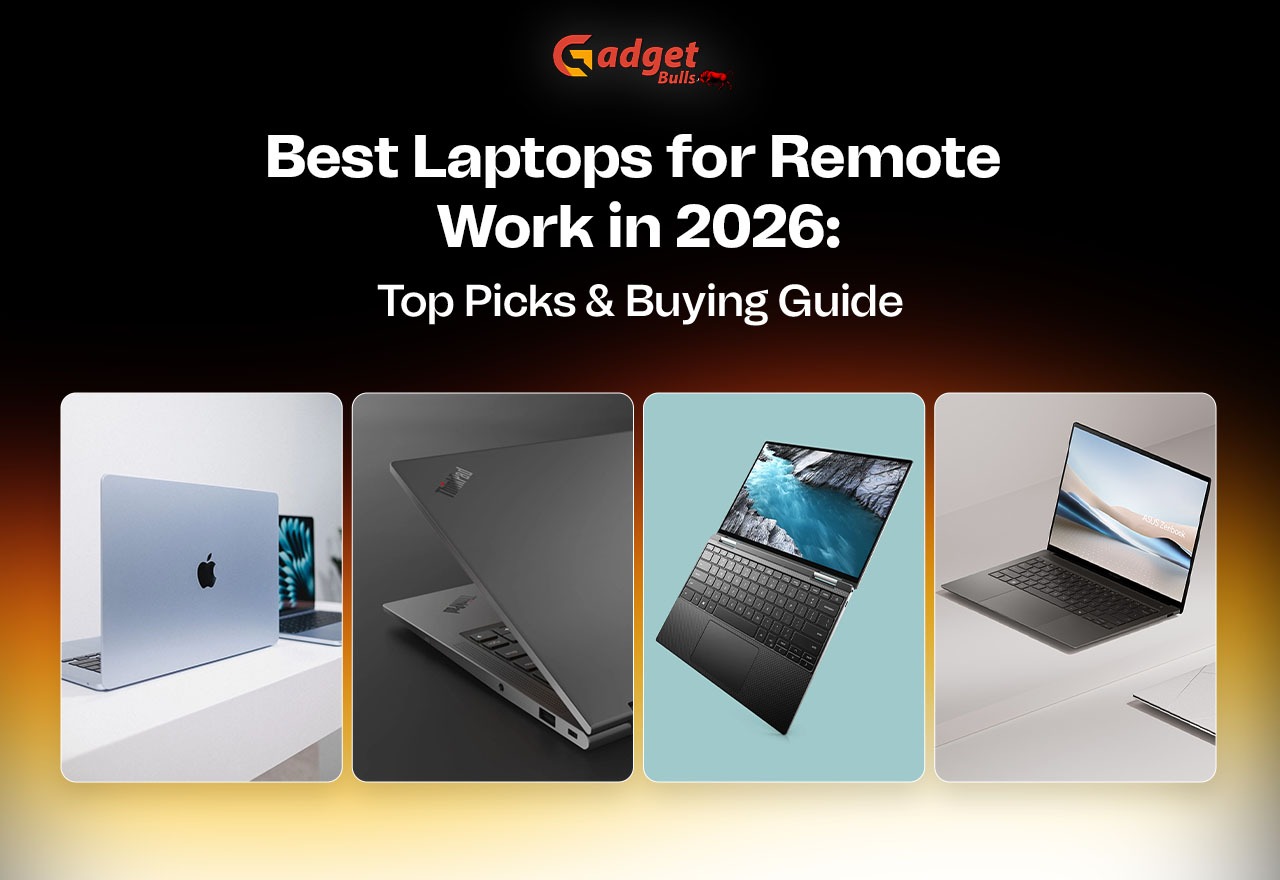
Here are five solid picks, each with its own strength. Specs vary by configuration, so always check the exact model before you buy.
- Apple MacBook Air: Best for Battery Life and Portability
Light, quiet, and efficient, the MacBook Air is a favorite among freelancers, writers, and professionals who like macOS. It slips into a bag without you noticing, and the battery tends to last through a full day of calls and documents. That’s why it so often shows up on lists of the Best Laptops for Remote Work. If you’re already in the Apple world, it’s an easy choice.
- Lenovo ThinkPad T14: Best for Business Professionals
ThinkPads have a loyal following because of their comfortable keyboards, and the T14 adds business-focused features on top. It handles office apps, multitasking, and heavier professional workloads with ease. For employees and business users, it’s among the best business laptops for professionals. If you type all day, you’ll appreciate the keys.
- Dell XPS 13: Best Premium Windows Laptop
Compact and polished, with high-quality display options, the XPS 13 is easy to carry and handles everyday productivity without fuss. If you travel often, it’s one of those lightweight laptops for remote workers who rarely stay in one place. Pair it with a good bag, and you’re set.
- ASUS Zenbook 14: Best for Everyday Productivity
Portable and capable, the ASUS Zenbook 14 covers video meetings, browsing, and office apps comfortably. It’s a good fit if you want a premium Windows laptop for daily work without jumping into the most expensive tier. Think of it as a dependable all-rounder.
- Lenovo IdeaPad Slim 3: Best Budget-Friendly Option
Lenovo IdeaPad Slim 3 is built for everyday computing and basic office work; this one suits students, entry-level remote workers, and freelancers. Compare the RAM, storage, and processor options before you buy, because configurations can differ a lot. If you’re hunting for the best budget laptop for remote work, start here.
How to Choose the Best Laptop for Remote Work
Choosing the best laptops for remote work can feel overwhelming with all those specs, so here’s a simple way to think about each one.
- Processor and Performance
A recent Intel Core, AMD Ryzen, or Apple silicon processor keeps things smooth when you’re juggling calls, browsers, and documents at the same time. You don’t need the most powerful chip on the market, but you do want one that won’t stutter when a video call and a dozen tabs are running together.
- RAM and Storage
If your budget allows, go for 16GB of RAM so multitasking feels comfortable. A 512GB SSD gives you room for apps and work files, and it keeps everyday speed snappy. That’s a sensible baseline for most laptops for work from home. Skimping here is the fastest way to regret a purchase.
- Battery Life and Portability
Think about battery endurance, weight, and charger size, especially if you work from cafés, trains, or coworking spaces. Lightweight laptops for remote workers are easier to carry and nicer to live with day after day. A heavy charger adds up quickly in a backpack.
- Webcam, Microphone, and Display
When you’re on calls all day, the best laptops for remote work get the basics right: a clear webcam, a good microphone, and a screen that’s easy on your eyes. Don’t forget reliable Wi-Fi either. A fast laptop on a shaky connection still makes for a frustrating meeting.
- Operating System and Connectivity
Windows or macOS? Let your work software decide. Also check for USB-C, HDMI, and external monitor support. If you plan to plug into a bigger screen at your desk, make sure the ports and display output can handle it.
Which Laptop Is Best for Different Remote Jobs?
Needs differ by job, so the best laptops for remote work look different for a writer than for a programmer. Here’s a quick guide:
| Remote Work Type | What to Prioritise |
| Writing and blogging | Comfortable keyboard, 16GB RAM |
| Virtual assistance | Reliable performance, webcam, battery |
| Graphic design | Accurate display, sufficient RAM |
| Programming | Powerful processor, 16–32GB RAM |
| Online teaching | Webcam, microphone, stable connectivity |
| Business and management | Security, multitasking, video calls |
Use this as a starting point, then match it to the models above. A blogger and a developer can both be happy, just with very different specs.
Tips for Buying a Laptop for Working from Home
- Set a realistic budget first. It stops you from drifting toward models you don’t need.
- Check the exact specs. Don’t rely on the model name alone, since two versions of the same laptop can perform very differently.
- Look for a warranty and dependable after-sales support.
- Confirm software compatibility and upgrade options.
- Consider extras like an external monitor, headset, or laptop stand. Your back and neck will thank you.
Even the best laptops for remote work only pay off if they match how you actually work, so think about your daily routine before you spend.
Common Mistakes Remote Workers Make
A few mistakes come up again and again:
- Buying on looks alone. Plenty of laptops for work from home look great on paper or in a shop window, but a thin body means little if the keyboard feels cramped or the battery quits early.
- Overspending on power you won’t use. If most of your day is emails, documents, and video calls, you don’t need a gaming-level machine. Spend that money on a better monitor or a decent headset instead.
- Ignoring comfort. You’ll be typing and staring at this screen for hours, so a good keyboard and display matter more than a long spec sheet. When you’re comparing the best laptops for remote work, picture a full eight-hour day, not just a quick demo.
- Skimping on RAM and storage. Saving a little upfront can leave you with a slow laptop that struggles with calls and a dozen open tabs. If your budget allows, aim for 16GB of RAM and a 512GB SSD.
- Don’t forget the webcam and microphone. You’ll be on video calls all week, so a blurry camera or a muffled mic quickly gets annoying. Check these basics before you buy.
Final Verdict
There’s no one-size-fits-all laptop here. The MacBook Air wins on battery and portability, the ThinkPad T14 stands out among the best business laptops for professionals, the XPS 13 and Zenbook 14 cover premium Windows, and the IdeaPad Slim 3 suits tighter budgets.
Whatever you pick from the best laptops for remote work, focus on the features you’ll use daily. The best laptop for remote jobs is the one that fits your software, your schedule, and your wallet. And don’t forget the gear around it: a good pair of noise-cancelling headphones can make long calls and focused work so much easier. If you’re still stuck, write down your top three needs and let those decide for you.
FAQs
- Which laptop is best for remote work?
It depends on your priorities. Among the best laptops for remote work, the MacBook Air is great for battery life, the ThinkPad T14 for business use, and the IdeaPad Slim 3 for keeping costs down.
- How much RAM is needed for working from home?
If your budget allows, 16GB is comfortable for multitasking. Lighter users can manage with less, but heavy multitaskers will notice the difference quickly.
- Is a MacBook or Windows laptop better for remote jobs?
Neither wins outright. Choose based on the software your work requires. The best laptop for remote jobs is the one that runs your tools smoothly and fits how you like to work.
- What is the best budget laptop for remote work?
The IdeaPad Slim 3 is a sensible starting point if you want the best budget laptop for remote work. Compare RAM, storage, and processor options first, since configurations vary.
- Is a 14-inch or 15.6-inch laptop better for remote work?
A 14-inch screen balances portability and usability, which is why those models turn up so often among the best laptops for working from home. Go 15.6-inch if you want more screen space and don’t mind the extra weight.
- Do remote workers need a laptop with long battery life?
If you move between rooms, cafés, or coworking spaces, yes. If you’re always near an outlet, it matters less, though it’s still a nice safety net when choosing from the best laptops for remote work.