Choosing a tablet shouldn’t feel like homework. Yet the Samsung tablet vs Apple iPad debate somehow turns a simple purchase into a spreadsheet exercise. Both brands build excellent devices for students, professionals, gamers, and anyone who just wants a bigger screen for movies. It’s really all design, performance, software, and features. So in this Samsung Galaxy Tab vs iPad guide, I’m going to cut through the jargon and get to what you’re actually going to notice day to day, to help you find the right tablet for 2026.
Samsung Galaxy Tab vs iPad: Specifications Comparison
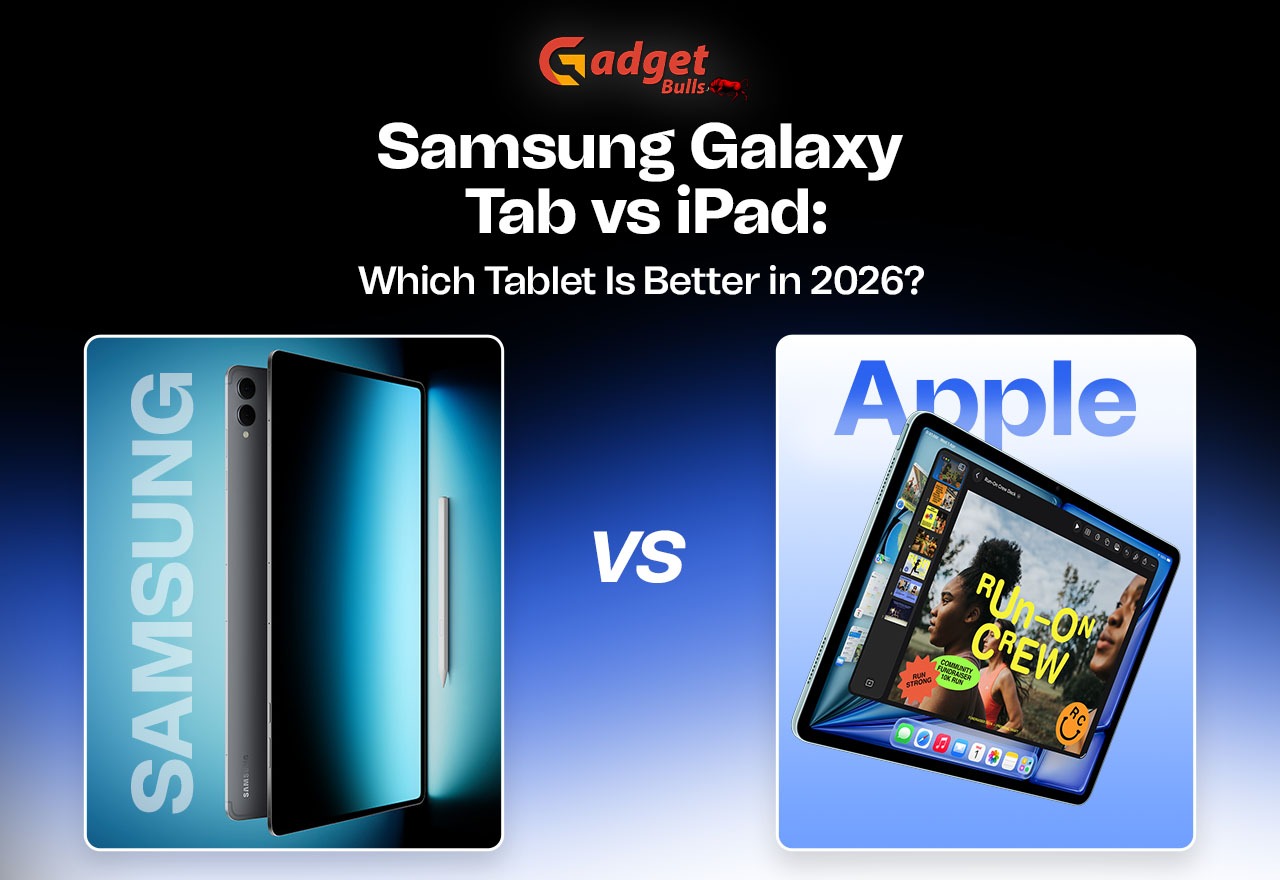
We’ll compare two popular premium models: the Samsung Galaxy Tab S11 and the Apple iPad Air M4. Availability and configurations differ by region, so double-check before you buy.
| Specification | Samsung Galaxy Tab S11 | Apple iPad Air M4 |
| Operating system | Android with One UI | iPadOS |
| Processor | MediaTek Dimensity 9400+ | Apple M4 |
| Display | Dynamic AMOLED 2X | Liquid Retina |
| Stylus | S Pen | Apple Pencil support |
| Multitasking | Multi-window and DeX | Stage Manager |
| Connectivity | Wi-Fi and cellular options | Wi-Fi and cellular options |
| Ecosystem | Samsung Galaxy | Apple |
Samsung Galaxy Tab vs iPad: Key Differences
- Design and Display
Samsung’s Dynamic AMOLED 2X screen delivers deep blacks and punchy colours. Movies look great on it, and so does a late-night reading session. The iPad Air’s Liquid Retina display goes a different way: bright, sharp and very colour-accurate. Both tablets feel slim and premium in the hand, and neither is a pain to carry around.
- Performance and Software
Apple’s M4 chip is seriously quick, and iPadOS has a big library of apps designed for tablets. Samsung’s Dimensity chip copes with everyday tasks smoothly, while One UI lets you tweak things your way. Torn between Samsung Galaxy Tab vs iPad Pro? The gap really shows once you move to heavy creative work like video editing. Among Samsung Galaxy Tab features, multi-window and DeX turn the tablet into a mini desktop. Among Apple iPad features, Stage Manager does something similar.
- Battery Life and Charging
Both tablets easily last a full day of streaming, browsing, and work, so travelling with either is a breeze. Charging speeds vary by model, so check each brand’s official figures for the exact tablet you’re eyeing.
- S Pen vs Apple Pencil
The S Pen usually comes in the box with Samsung’s tablets, which is a real saving. Apple Pencil support is excellent for drawing and note-taking, but the Pencil is a separate purchase, and different iPad models support different Pencils, so check compatibility first. If you scribble lots of notes, that included S Pen is a lovely bonus.
Samsung Galaxy Tab or iPad for Different Uses
iPad vs Samsung Tablet for Students
Digital notes, PDFs, and online classes work well on both. Samsung’s included S Pen is a budget win, while iPad’s study-app selection is hard to beat.
Samsung Tablet vs iPad for Gaming
The M4 chip gives the iPad the edge in graphics-heavy games. Samsung’s AMOLED screen still looks fantastic for casual play, and most popular mobile games run well on both.
Which Is Better for Work?
Both support keyboard cases. DeX feels very desktop-like, with resizable windows and a taskbar, while iPadOS has great document and creative apps. If you answer emails, edit documents, and hop on video calls all day, either one can replace a basic laptop for light work.
Samsung Galaxy Tab vs iPad: Price Comparison
Prices in the USA, UK, and Germany change often, so check your local store. When it comes to Samsung Galaxy Tab vs iPad price, don’t forget the extras: keyboards, pencils, and cases add up fast. Samsung often includes the S Pen, while Apple’s accessories cost more. Student offers and sales can lower the final total, so the Samsung Galaxy Tab vs iPad price at checkout may beat the sticker price. Both brands sell budget, mid-range, and premium options. If you only need a tablet for streaming and browsing, a budget model will do the job, and you don’t have to buy the flagship.
Pros and Cons of Samsung Galaxy Tab and iPad
Samsung Galaxy Tab
- Pros: flexible Android experience, S Pen included on selected models, DeX productivity features.
- Cons: software experience varies by model, and some apps are less optimised for tablets.
Apple iPad
- Pros: strong app ecosystem, powerful Apple chips, smooth integration with other Apple devices.
- Cons: accessories cost extra, and file management is less flexible for certain workflows.
Which Should You Buy: Samsung Galaxy Tab or iPad?
Go Samsung if you love Android flexibility and Samsung Galaxy Tab features like DeX. Go iPad if you value iPadOS apps and Apple iPad features like tight integration with your iPhone or Mac. Eyeing Samsung Galaxy Tab vs iPad Pro? Expect to pay more for the Pro, so make sure you really need the extra power. In the end, the Samsung tablet vs Apple iPad choice comes down to your budget and how you’ll use it.
Final Words
The Samsung Galaxy Tab vs iPad question has no single winner, and that’s okay. Think about your budget, preferred operating system, and daily routine, and you’ll land on the best tablet in 2026 for you. Whichever you choose, you’re getting a capable device that can handle study, work, play, and everything in between.
FAQs
- Which is better in 2026: Samsung Galaxy Tab or Apple iPad?
Samsung Galaxy Tab offers Android flexibility, S Pen support, and DeX multitasking. iPad delivers powerful performance, excellent apps, and seamless Apple ecosystem integration.
- Is Samsung Galaxy Tab better than iPad for students?
In the iPad vs Samsung tablet for students debate, Samsung is a good choice for note-taking, thanks to the included S Pen on selected models. iPad offers a wide range of education apps and excellent Apple Pencil support.
- What is the main difference between Samsung Galaxy Tab and iPad?
Samsung Galaxy Tab runs Android with One UI, while iPad uses Apple’s iPadOS. Samsung focuses on flexibility and multitasking, whereas Apple offers a strong app ecosystem.
- Which is better for gaming: Samsung Galaxy Tab or iPad?
In the Samsung tablet vs iPad for gaming fight, iPad models with powerful Apple chips handle demanding games very well. Samsung Galaxy Tabs also offer smooth gaming and vibrant AMOLED displays on selected models.
- Is Samsung Galaxy Tab cheaper than Apple iPad?
Samsung offers options across different budgets, with an S Pen included on selected models. iPad accessories, including the Apple Pencil and keyboard, can increase the overall cost.