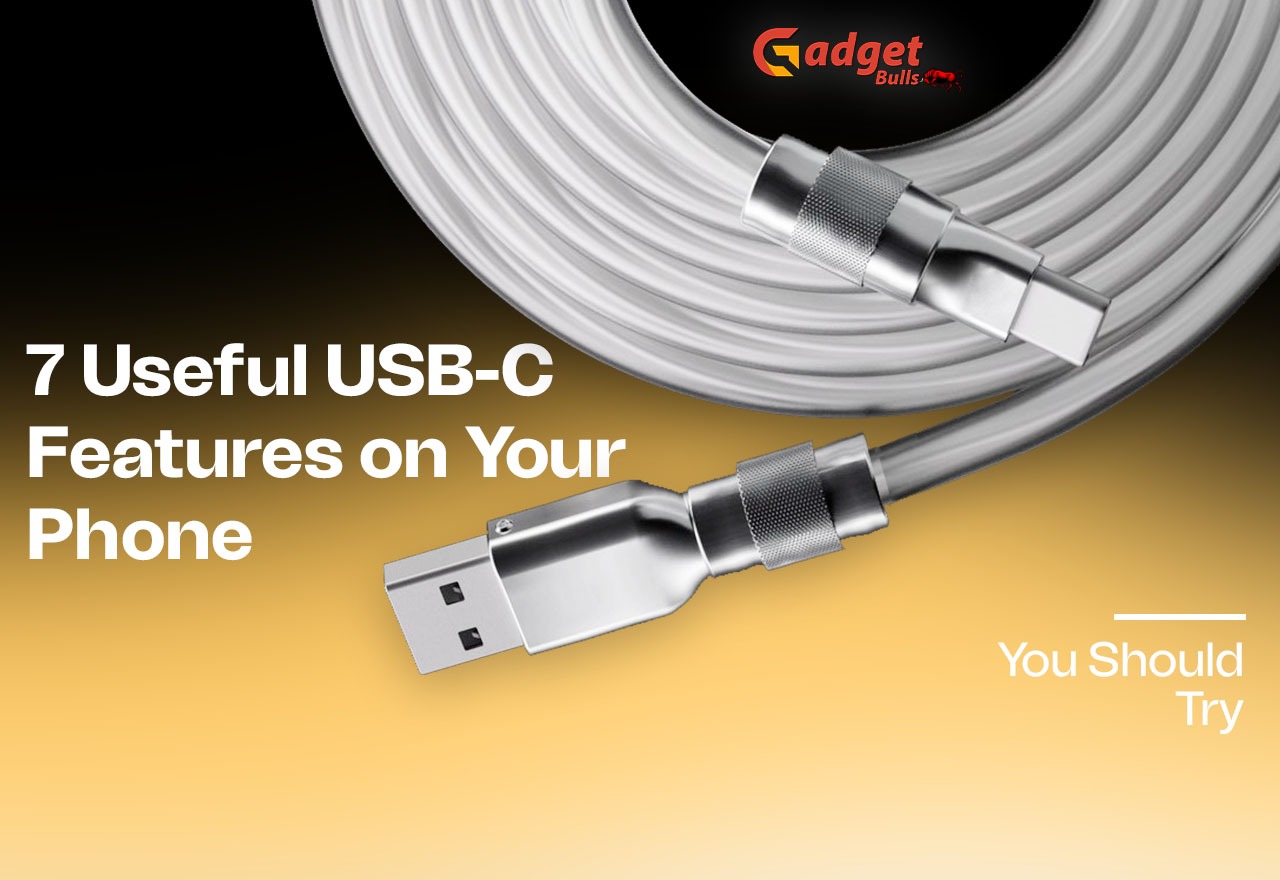
Most of us only ever use the USB-C port on our phone to plug in a charger. But that little oval slot can do a lot more. Once you know the USB-C features on your phone, you can move files faster, work on a bigger screen, and even charge your earbuds. Below are seven useful USB-C phone features worth trying, plus what you need and what to check before you buy any accessories. If you’re shopping for a cable first, take a look at these USB-C charge cables.
7 Useful USB-C Features on Your Phone
- Transfer Files Between Devices
The simplest trick is USB-C data transfer. Plug your phone into a laptop or another compatible device with a good cable, switch the phone to file transfer mode, and you can drag photos, videos, and documents across. It’s usually quicker and more reliable than sending big files over Wi-Fi.
- Connect a USB Flash Drive Directly
With USB-C OTG support, your phone can read a pen drive without a computer. Plug the drive in through an OTG adapter or a USB-C flash drive, then open it from your phone’s file manager. It’s handy for grabbing a document or backing up photos when you’re away from your desk.
- Mirror Your Phone Screen on a Bigger Display
Many phones can output video through USB-C. With a compatible USB-C to HDMI adapter, you can show your phone on a monitor or TV. USB-C screen mirroring is great for watching videos, giving presentations, or just looking at holiday photos on a larger screen. Gamers will like it too, and these mobile gaming accessories go well with a bigger display.
- Connect a Keyboard and Mouse
Need to type a long email? Plug in a wired keyboard and mouse, or a wireless receiver, through a USB hub or OTG adapter. Your phone starts to feel like a small computer, which is a big help for productivity on the go.
- Use Wired USB-C Headphones
Many phones no longer have a headphone jack, but USB-C headphones fill the gap. They don’t need charging or Bluetooth pairing, and the sound is often more stable. They’re a good choice for calls, gaming, and long listening sessions.
- Connect Your Phone to a Camera
Some compatible digital cameras let you transfer photos and videos straight to your phone over USB-C. That means you can edit and share your shots without hunting for a card reader or a laptop. If your phone feels sluggish while handling big files, try these easy ways to make a slow Android phone faster.
- Charge Other Devices
Reverse wired charging lets a supported phone power smaller gadgets, like earbuds, a smartwatch, or even another phone in a pinch. It drains your battery, so it’s best for emergencies, but it’s a neat trick when someone’s device is about to die.
What Do You Need to Use These USB-C Features?
You don’t need much, but the right gear matters:
- A good USB-C cable. A cheap, charge-only cable won’t handle data.
- OTG adapters and USB hubs. These let you connect drives, keyboards, and mice.
- A USB-C to HDMI adapter. Needed for screen mirroring on a TV or monitor.
- Compatible headphones and USB-C accessories. Check that they work with your phone. For more ideas, see these must-have mobile phone accessories for everyday use.
- A phone that supports the feature. Not every device can do everything.
Does Every Smartphone Support All USB-C Features?
No, and this surprises a lot of people. USB-C is only the shape of the connector. What your phone can actually do depends on the technology behind it. USB-C connectivity can run at very different data transfer speeds, and some phones are much slower than others. Features like display output, OTG, and reverse charging also depend on your phone’s specifications. Before you buy an adapter, check your phone’s manual or the maker’s website to see what it supports.
Final Thoughts
Your USB-C port is far more useful than a charging socket. From file transfers to screen mirroring and wired audio, exploring the USB-C features on your phone can make everyday use easier and more productive. Check what your phone supports, pick up a few reliable accessories, and try them out. Looking for a gift for a tech lover? Have a look at these best tech gifts for women in 2026.
FAQs
- Can a USB-C port on a phone be used for more than charging?
Yes, a phone’s USB-C port can support file transfers, external storage, wired headphones, keyboards, screen output, and reverse charging. Available features depend on your smartphone’s hardware and software.
- Can I connect a USB drive directly to my phone?
Yes, you can connect a USB flash drive using a USB-C OTG adapter or compatible USB-C flash drive. Your phone must support OTG to access and transfer files.
- Can USB-C connect a phone to a TV?
Yes, you can connect a compatible smartphone to a TV using a USB-C to HDMI adapter or cable. However, your phone must support video output through USB-C.
- Do all USB-C phones support screen mirroring?
No, not all USB-C smartphones support wired screen mirroring. Check your phone’s specifications for DisplayPort Alt Mode or supported external display connectivity before purchasing an adapter.
- Can I connect a keyboard and mouse to my smartphone?
Yes, you can connect a wired or wireless keyboard and mouse using a USB-C hub or OTG adapter. This makes typing, browsing, and completing work on your smartphone more convenient.